Find and print your invoices
Every invoice is a UAE tax invoice you can print or save as a PDF.
- Go to Billing.
- Under Invoices, choose an invoice (1). Each shows its number, date, status — Paid, Awaiting payment or Void — and total.
- Choose Print or save as PDF, and pick Save as PDF in your browser’s print dialog to keep a file.
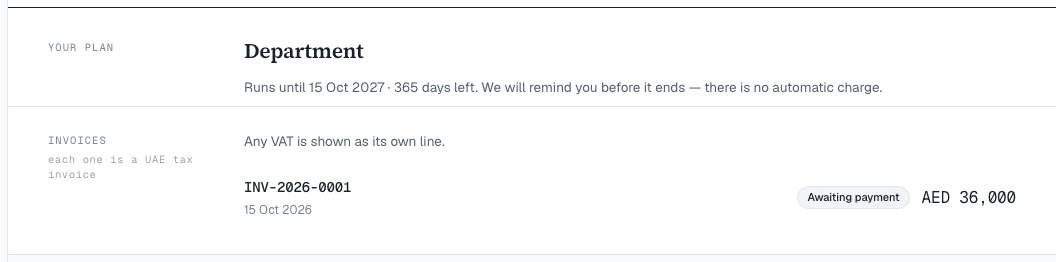
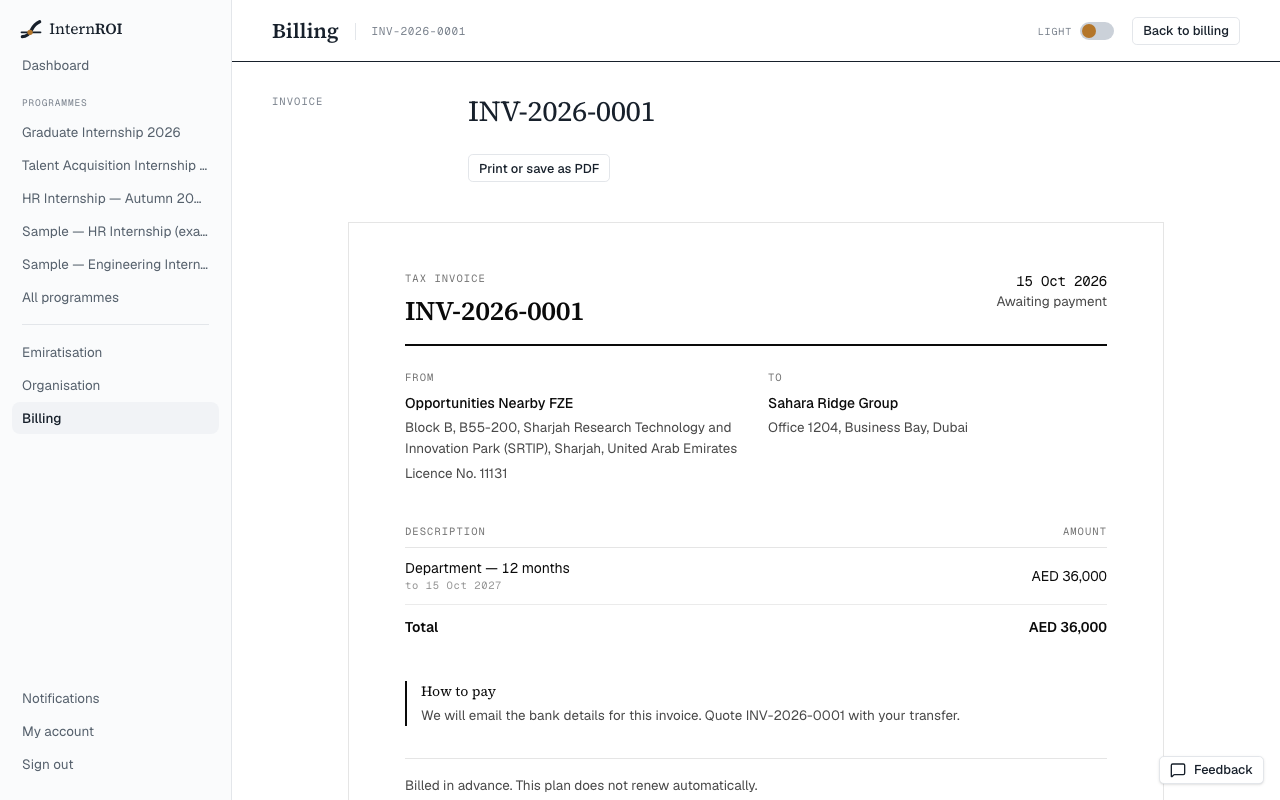
Invoice numbers look like INV-2026-0001. Any VAT is shown as its own line. A card order has no invoice until it is paid.
An unpaid invoice includes How to pay, with the bank details. Quote the invoice number with your transfer.