Add another admin
Invite a colleague to help manage your company’s programmes.
Admins manage the whole company account. Supervisors and interns are added per programme instead — see Add interns.
Invite an admin
- Go to Organisation in the menu.
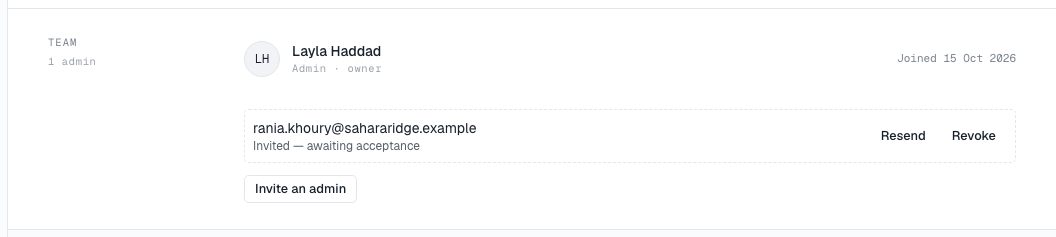
- In the Team band, choose Invite an admin (1).
- Enter Their work email and choose Send invitation.
You will see Invitation sent, with the link in case you want to pass it on directly. If you see Invitation created — no email was sent, copy the link and send it yourself.
The invitation is tied to that address — it cannot be accepted from another one. Pending invitations are listed in the Team band with Resend (2) and Revoke, just like programme invitations. See Invite people for how links work.