The sample programmes
Explore InternROI with example data before setting up your own.
Choose Explore Demo on the Welcome to InternROI screen you see after signing up as a company, to look around before you set anything up. It creates a demo company called My Company (sample) with two sample programmes — one running and one finished — full of example data.
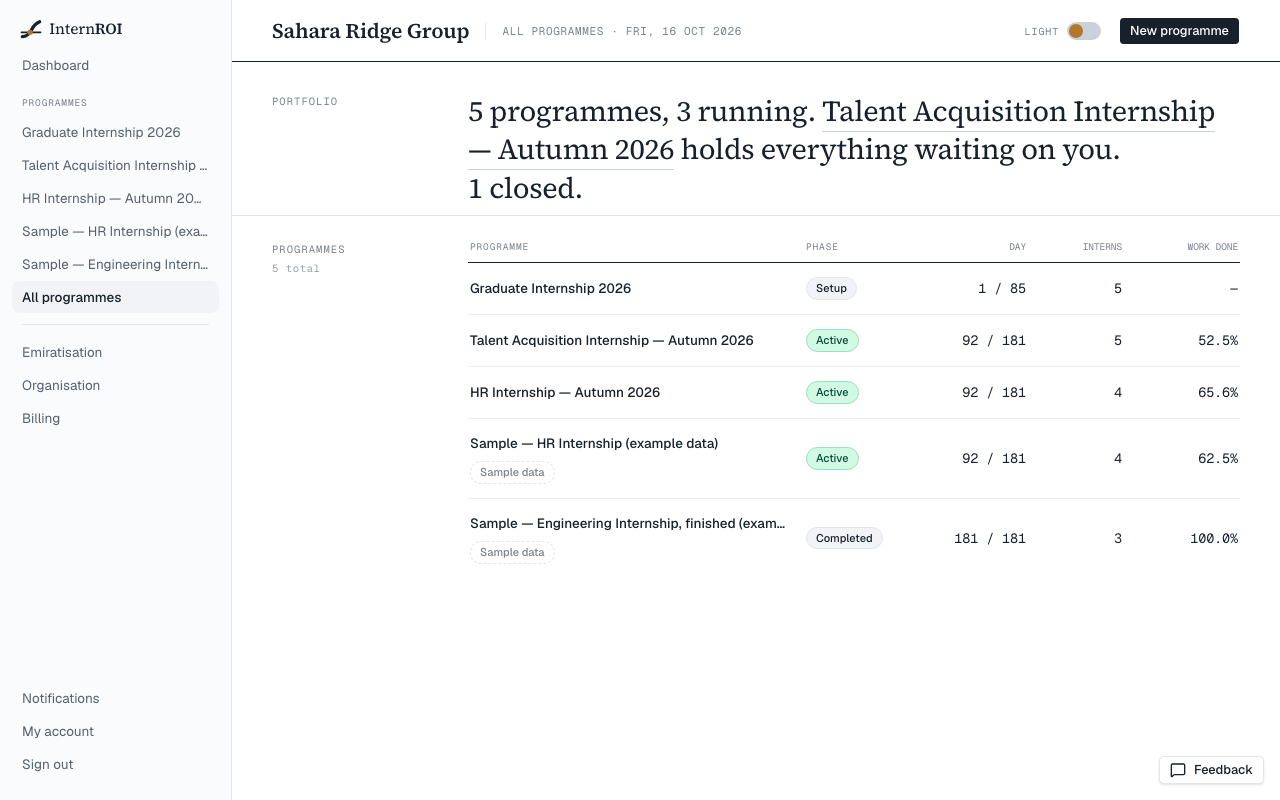
Sample programmes are marked Sample data wherever they appear, and nothing in them was measured.
Moving on to your real company
When you are ready, choose Set up your real company on your dashboard. It is the same account, and the sample programmes stay until you delete them.
To delete a sample, open it and choose Delete this sample under Sample data. It can be restored from All programmes for 30 days.
The sample report
You can generate a report for a sample programme with a demo key, without buying a plan. If you see The sample report needs a demo key, enter the key we sent you under Demo key and choose Use key. No key yet? Ask us for one. A demo key works for sample programmes only.
Sample programmes do not count towards your plan’s limits.