The InternROI iPhone app
Review and submit work from your phone.
The InternROI app for iPhone is for supervisors and interns. Programme setup, people, ROI, reports and billing stay on the web, at app.internroi.com.
Get started
- Install InternROI from the App Store (iPhone, iOS 17 or later).
- Sign in with the address your invitation was sent to — or choose Create an account.
- Allow notifications when asked, to hear about new work straight away.
If you see You are not on a programme yet., open your invitation email first, then choose Check again.
For interns
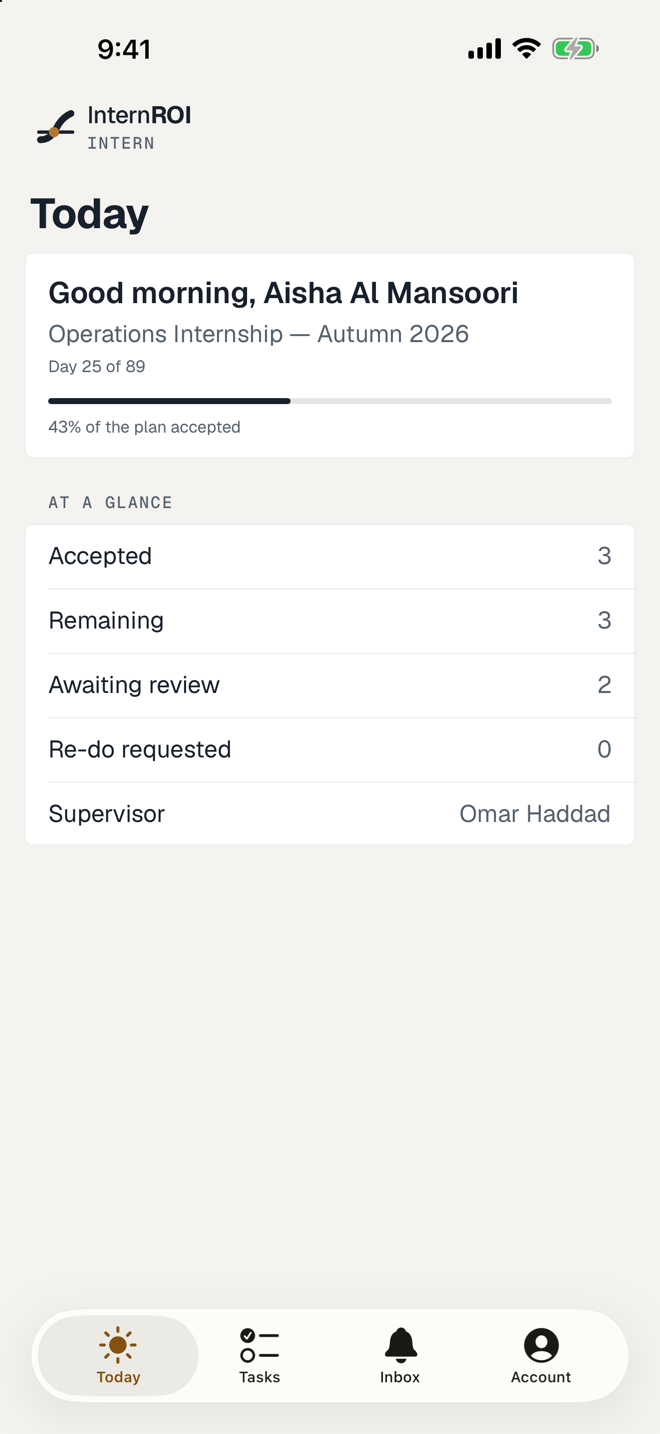
- Today — your progress, what is due today and what is due soon.
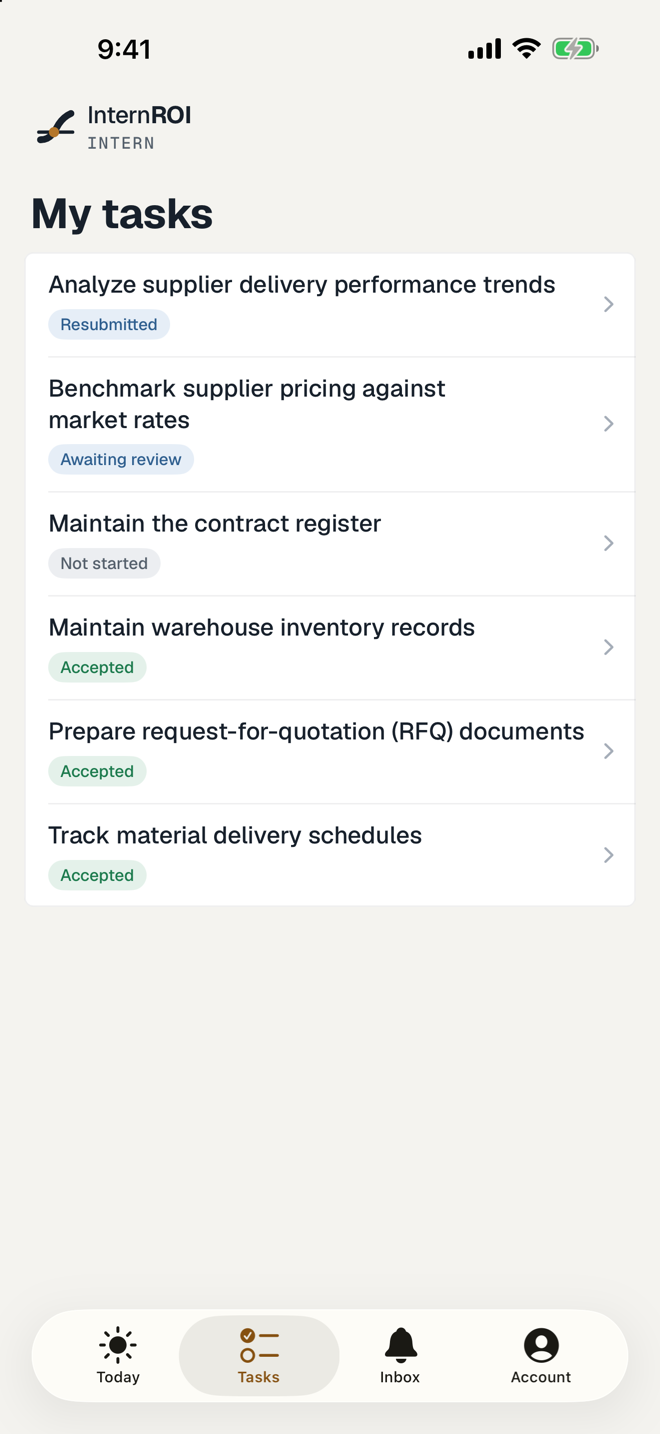
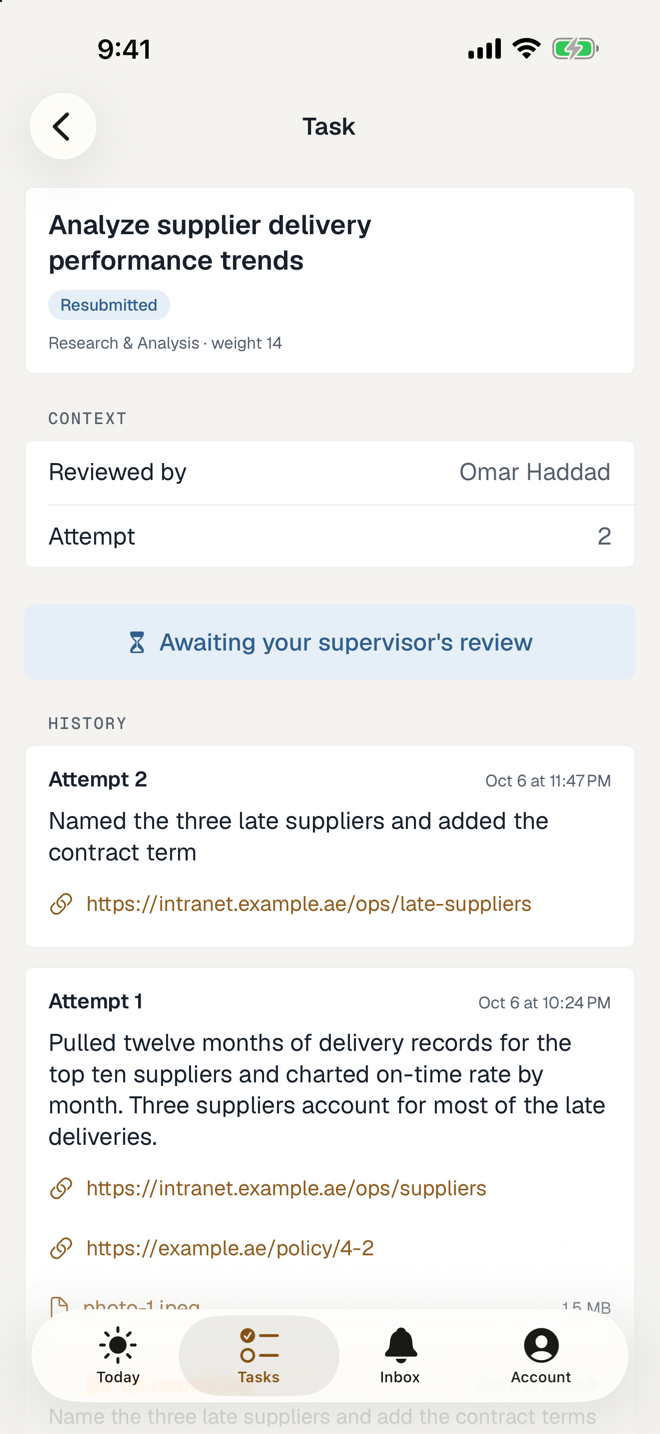
- Tasks — everything assigned to you. Open a task to start it, read its brief, and submit.
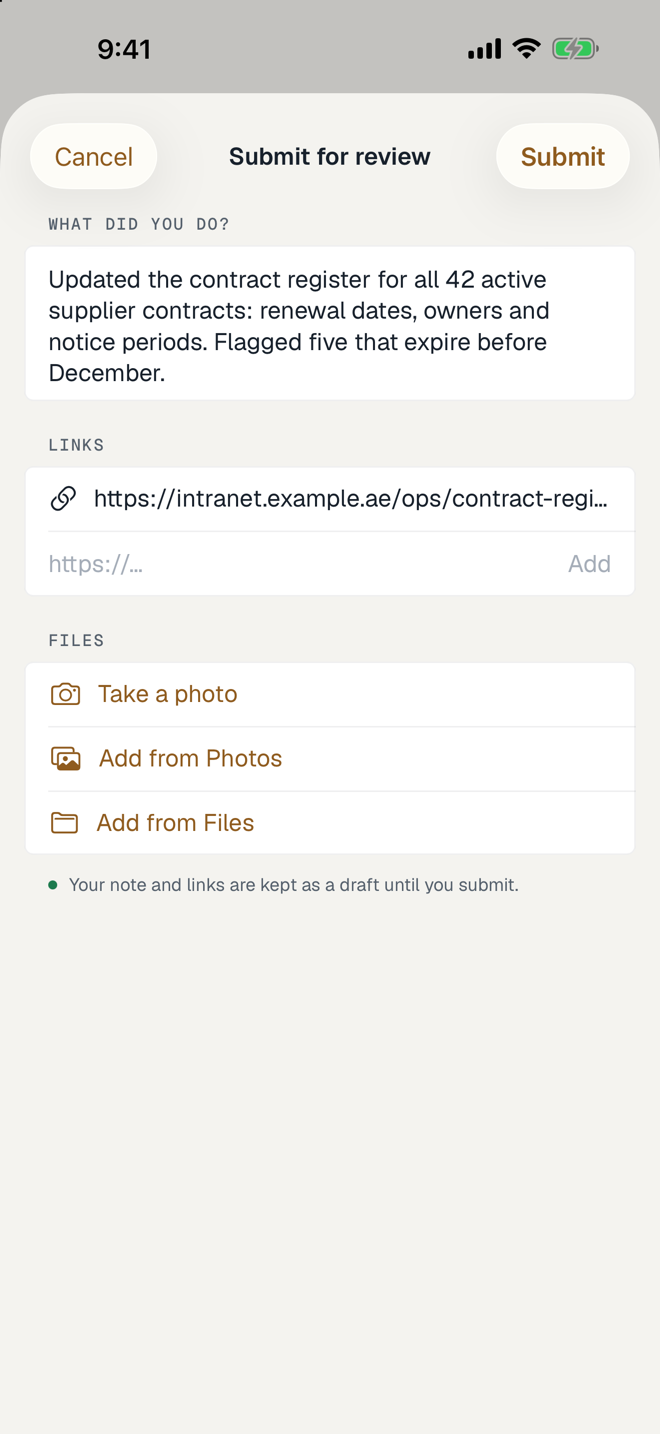
- When you submit, you can Take a photo, Add from Photos or Add from Files — up to 20 files of up to 50 MB each — and add links. Your note and links are kept as a draft until you submit.
For supervisors
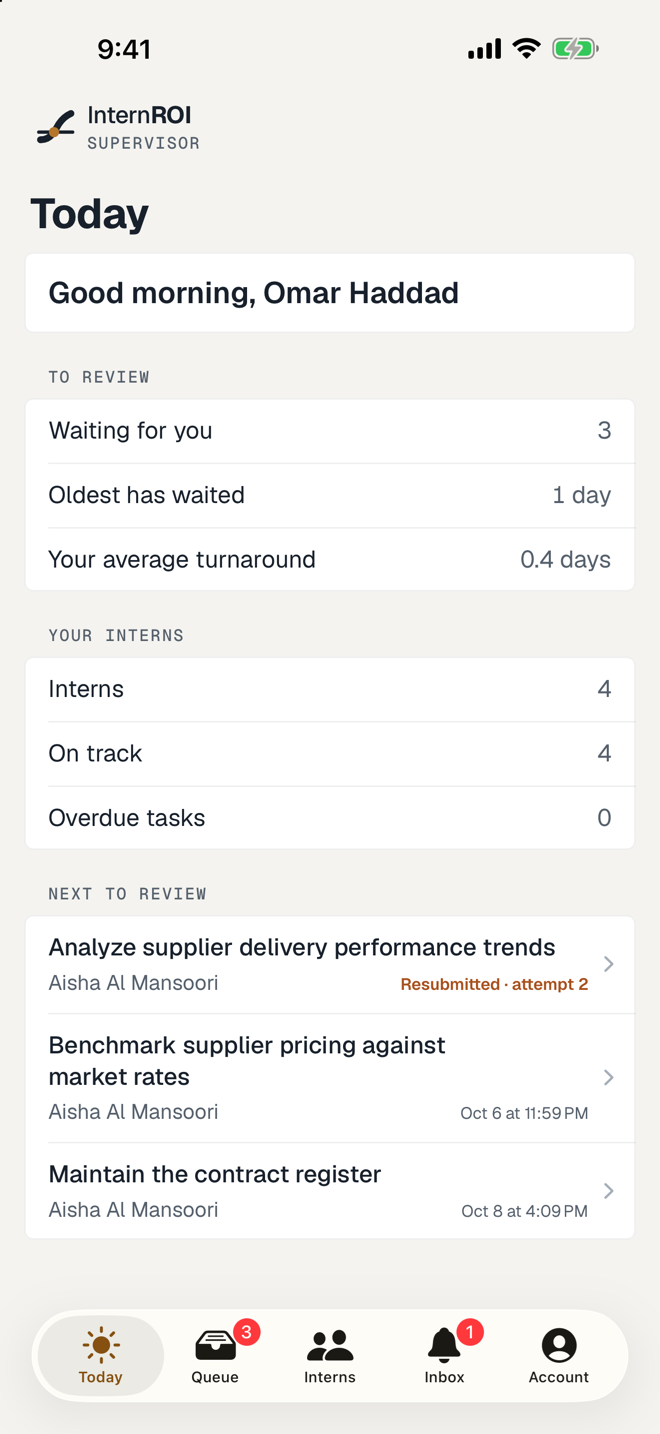
- Today — what is waiting for you and how your interns are doing.
- Queue — submissions to review, resubmissions first.
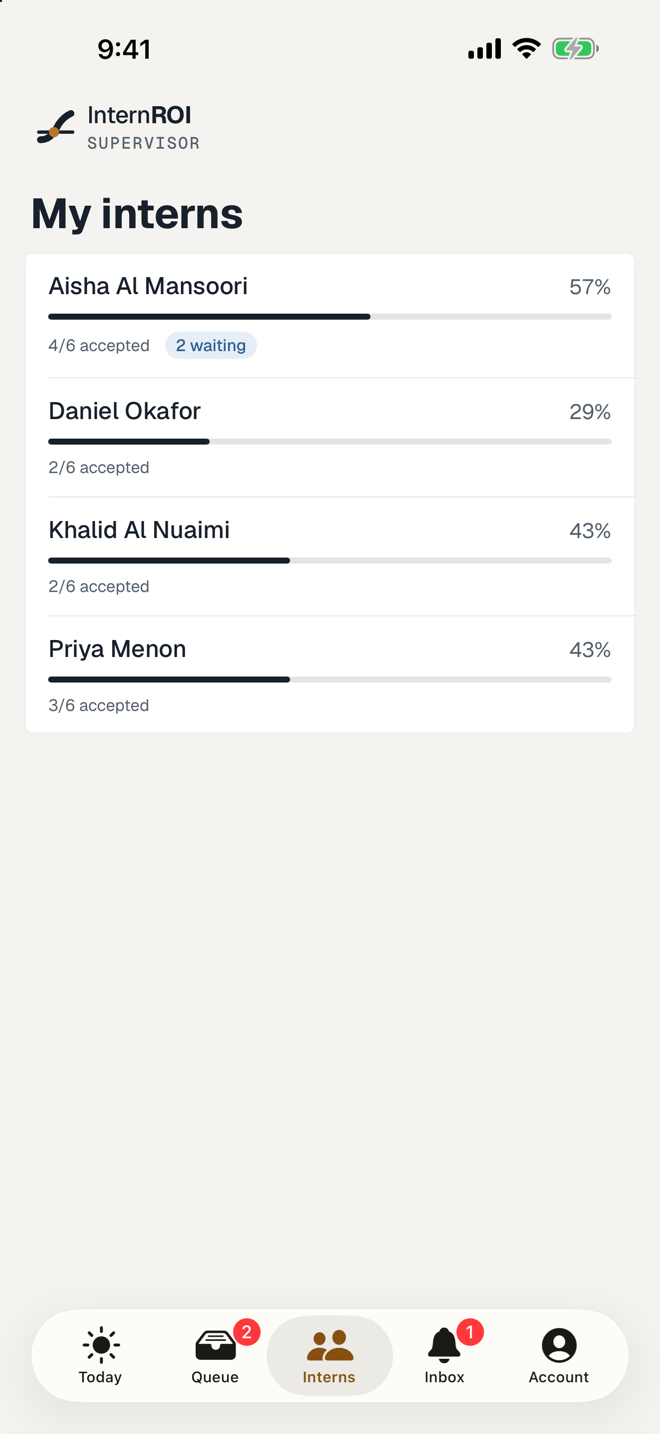
- Interns — each intern’s progress, and what is waiting, sent back or overdue.
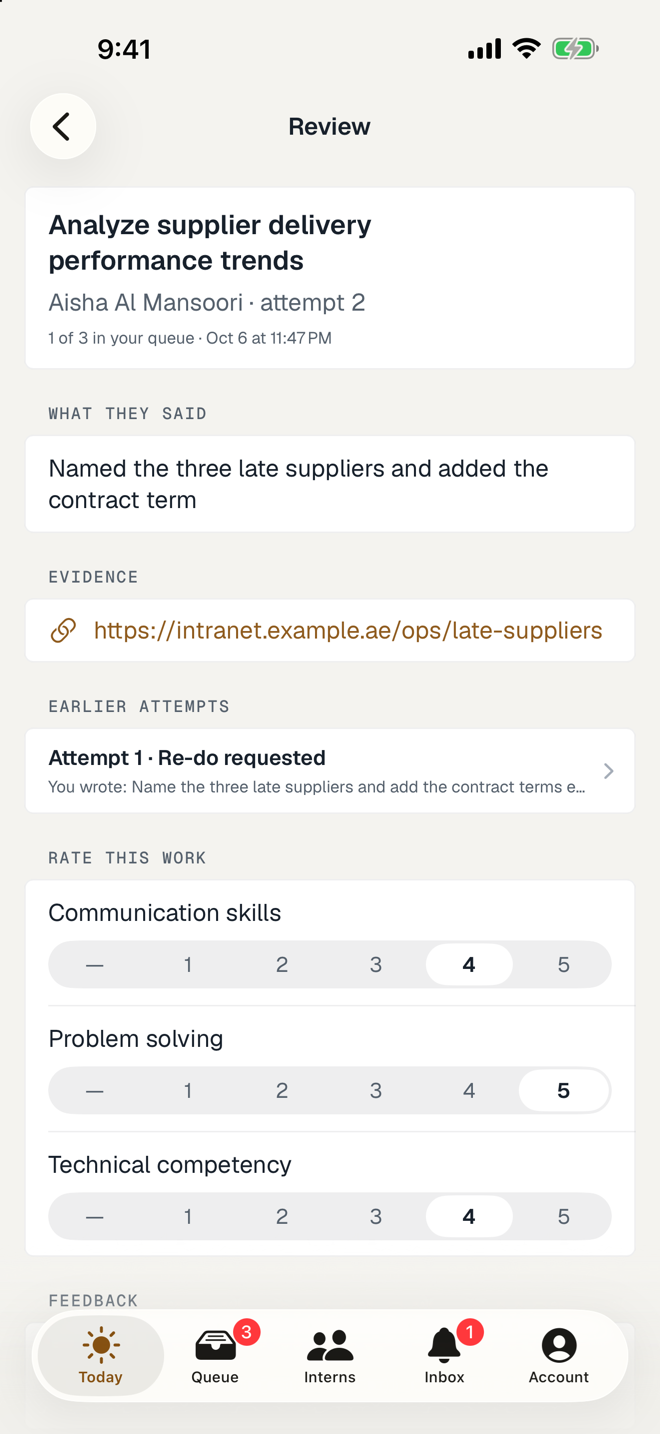
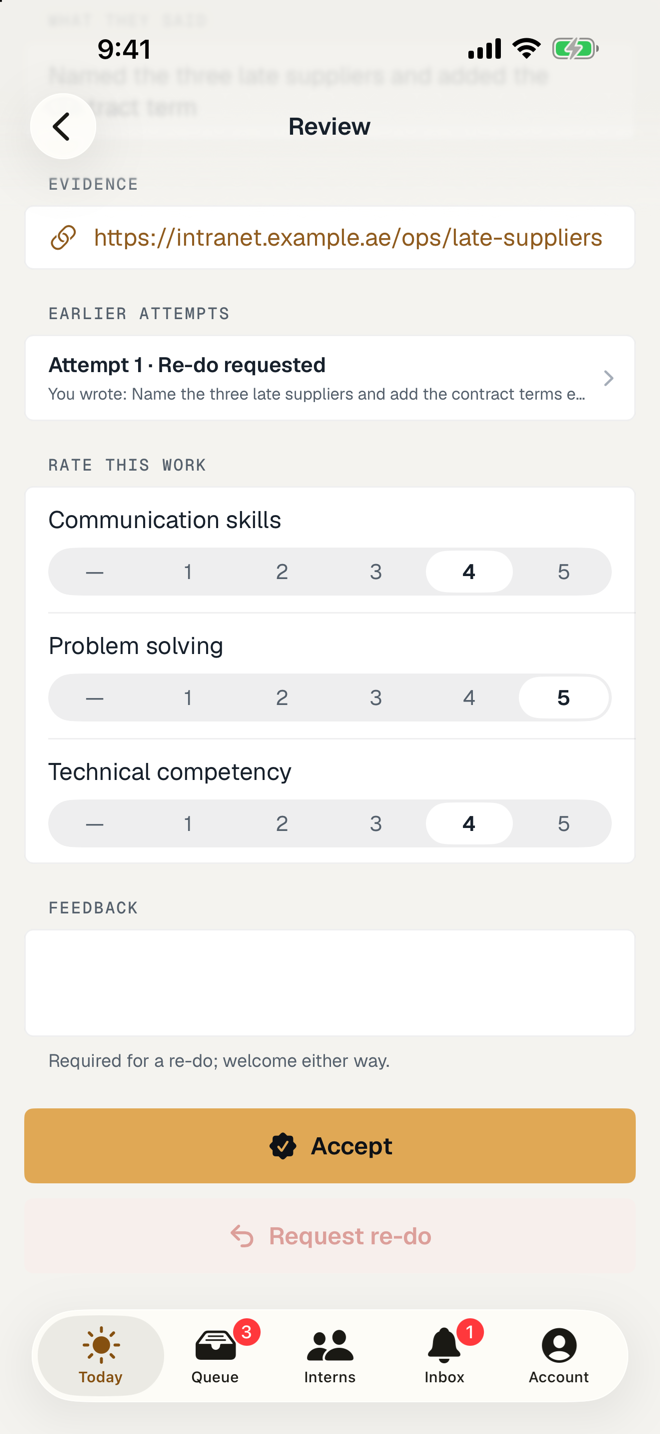
- Open a submission to rate it and choose Accept or Request re-do. A re-do needs feedback.
Both
- Inbox — your notifications.
- Account — your details, your programmes, night mode, and sign out. If you are both an intern and a supervisor, switch views here.
To change your name, time zone, password or notification settings, use My account on the web.